Robotic process automation software for exceptional efficiency
Tired of repetitive work? Record the steps on Zoho RPA and our bots will do it for you! Zoho RPA works across Windows, Mac, Linux, web and legacy apps, completing manual tasks for you so that you can focus on more strategic work.
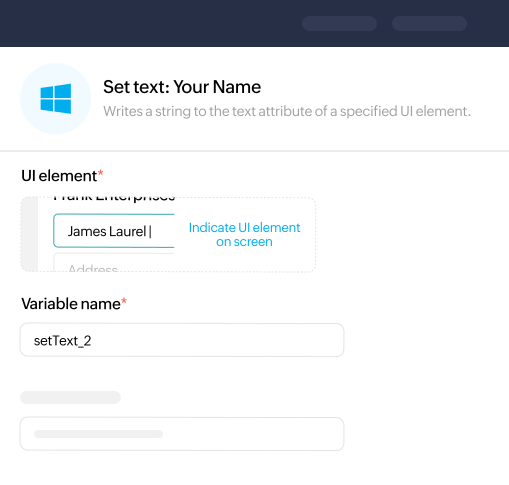
Streamline repetitive tasks on your Windows such as launching applications, copying and pasting data between applications, or triggering backups at specific times.
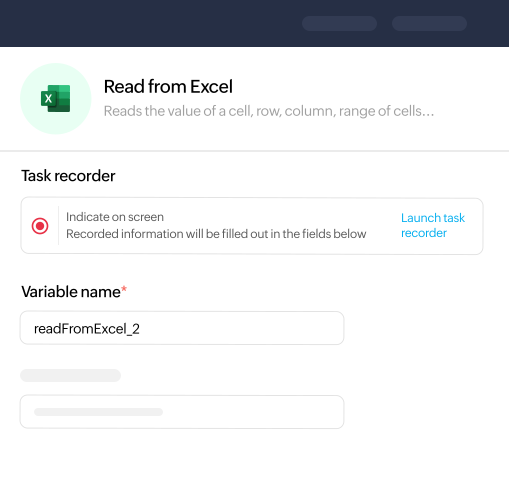
Automate data manipulation, reporting, and analysis tasks to increase efficiency and eliminate manual errors, all while keeping your spreadsheets organized.
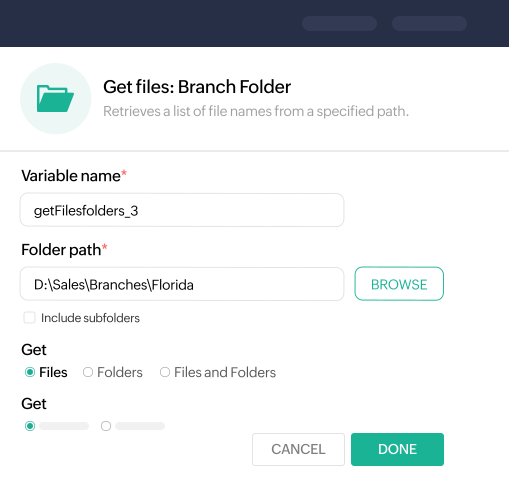
Schedule file transfers, backups, organize documents, and even batch rename files in specific folders, ensuring your digital workspace remains tidy and efficient.
Transform PDFs and scanned documents into digital data with OCR-powered RPA automation. Enhance productivity and ensure accuracy in document-driven processes.
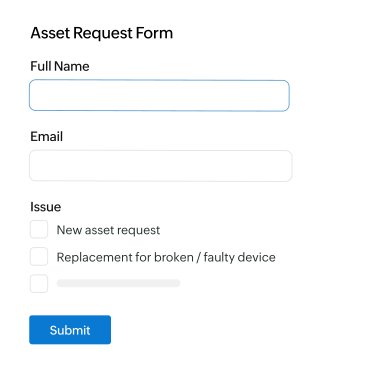
Whether it’s a click, mouse movement, or an application event, activate your workflows.
You can also kick off automations with customizable keyboard shortcuts.
Add business logic by using custom functions in Zoho’s scripting language, Deluge.
Supported on Windows, Mac & Linux
Automation That Cuts Across Every Industry And Function
BFSI automation
Improve fraud detection, automate loan processing, and streamline account reconciliation, for faster services, better risk management, and a more responsive customer experience.
Healthcare automation
Streamline patient scheduling, claims processing, data entry, and compliance reporting, while allowing healthcare professionals to focus on patient care.
Manufacturing automation
Automate supply chain management, production scheduling, quality control, and reporting, increasing operational efficiency and ensuring timely deliveries.
IT automation
Automate routine IT support tasks, such as password resets, system diagnostics, and software installations, improving service uptime, reducing response times, and freeing up IT resources for more complex issues.
Retail automation
Enhance retail back-office operations such as stock audits, order processing, returns management, tax compliance, and more.
HR automation
Automate employee records management, recruitment processes, and performance reviews, driving efficiency, reducing administrative burden.
RPA is best-suited when:
Your processes are repetitive and rule-based
You use legacy systems & desktop apps
Your apps don't have APIs
Your processes involve web-based operations
You want to automate UI interactions
Data exchange across multiple platforms is needed
Your RPA resource hub
Quick insights, guides, and videos to help you understand and apply automation.
Platform overview
Set up your RPA account
Screen tour
How to automate bulk lead import & nurture email setup in Zoho CRM with Zoho RPA
RPA, or Robotic Process Automation, refers to technology that uses software robots or “bots” to automate repetitive and routine tasks across various applications and processes.
What are the key benefits of implementing RPA?
The key benefits of RPA include increased accuracy, cost savings, improved productivity, scalability, and the ability to handle high volumes of repetitive tasks with minimal human intervention.
Is Zoho RPA a stand-alone tool or part of Zoho One?
Zoho RPA can be used standalone, but it also integrates seamlessly with other Zoho applications and is available to Zoho One users.
Can RPA integrate with existing systems?
Yes, RPA can integrate with existing systems through user interfaces, APIs, and other methods without disrupting current processes or requiring significant changes to existing technology.
What types of tasks are ideal for RPA?
RPA is ideal for routine, repetitive, rule-based processes that can be standardised and automated across various applications. This includes data entry, invoice processing, report generation, compliance checks and a lot more.
What are the UI actions that can be automated by RPA bots?
Zoho RPA supports various UI actions such as Open application, click on buttons, links, menus, simulates typing keyboard input, and even sends keyboard shortcuts into a UI element.
Can I build automation bots for free?
Yes, Zoho RPA offers a free plan to meet your basic automation requirements.
Manage Consent
To provide the best experiences, we use technologies like cookies to store and/or access device information. Consenting to these technologies will allow us to process data such as browsing behavior or unique IDs on this site. Not consenting or withdrawing consent, may adversely affect certain features and functions.
Functional
Always active
The technical storage or access is strictly necessary for the legitimate purpose of enabling the use of a specific service explicitly requested by the subscriber or user, or for the sole purpose of carrying out the transmission of a communication over an electronic communications network.
Preferences
The technical storage or access is necessary for the legitimate purpose of storing preferences that are not requested by the subscriber or user.
Statistics
The technical storage or access that is used exclusively for statistical purposes.The technical storage or access that is used exclusively for anonymous statistical purposes. Without a subpoena, voluntary compliance on the part of your Internet Service Provider, or additional records from a third party, information stored or retrieved for this purpose alone cannot usually be used to identify you.
Marketing
The technical storage or access is required to create user profiles to send advertising, or to track the user on a website or across several websites for similar marketing purposes.